
Overview
The Planning Studio at the program level in AIZOPlan provides a centralized space to visualize and manage program timelines.
It supports agile planning through two complementary views: Roadmap View and Kanban View, helping you align execution with strategic goals.
📌Access the Planning Studio
You can access the Planning Studio in two ways:
- Option 1 : Go to Program → Plan → Planning Studio
- Option 2 : Open the Planning Studio directly from the Program Office.
🗺️ Visualizing Program Planning
Switch between two views to manage programs at a glance:
🔹 Roadmap View
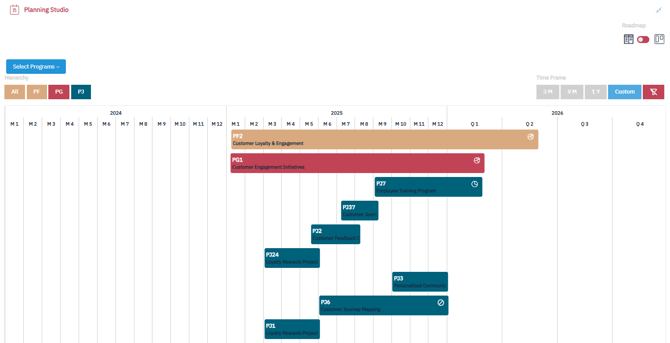
Use Roadmap View to:
-
Select a time frame (months, or quarters, year, or custom)
-
Visualize all program timelines across a portfolio
-
Visualize all project timelines within a single program
This view is ideal for strategic planning and timeline coordination across programs and projects.
-
Kanban View
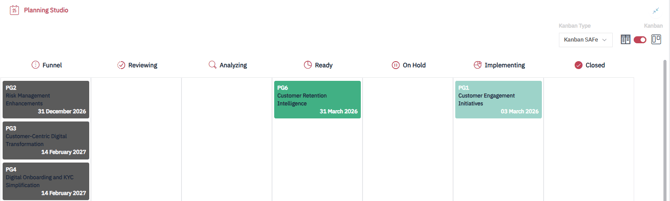
Use Kanban View to:
- Track program progress through delivery stages (e.g., Funnel, Reviewing, Analyzing, Ready, Implementing, Completed)
- Drag and drop programs between stages for real-time status updates
This view is perfect for operational monitoring and agile delivery management.
✅ Summary
The Planning Studio at program level helps you bridge strategy and execution by providing full visibility over program and project timelines.
Use Roadmap View for high-level program planning and Kanban View for day-to-day execution control — all from a single, intuitive workspace.