
🔍 Overview
AIZOPlan provides role-based Command Centers, each designed to support a specific management responsibility.
Each Command Center acts as a decision cockpit, combining real-time data, guided journeys, and quick access to the right studios—so managers can focus on what matters most for their role.
The main Command Centers are designed for:
- Strategic Managers
- Finance Managers
- PMO / Program Managers
- Project Managers
📌Access Program Execution Center
You can access the Program Execution Center in two ways:
-
when you log in to AIZOPlan by selecting the PMO/Program Manager role,
-
At any time, click the Home icon
 in the top-right corne and select the PMO/Program Manager role.

The purpose of this Command Center is to plan increments, manage capacity, control risks, and ensure program delivery, while maintaining alignment with portfolio objectives and financial constraints.
🎯 Program Execution Center
Key Metrics
You can visualize:
- Active Program Increments (PIs)
- Programs Completed
- Bus
- Budget Used %
- Capacity Utilization %
- Program Risks

Alerts & Activity Tracking
You can :
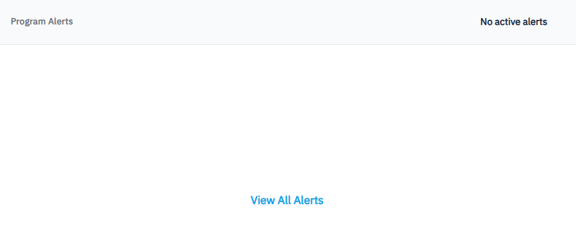
- Access Program Alerts to view all active alerts
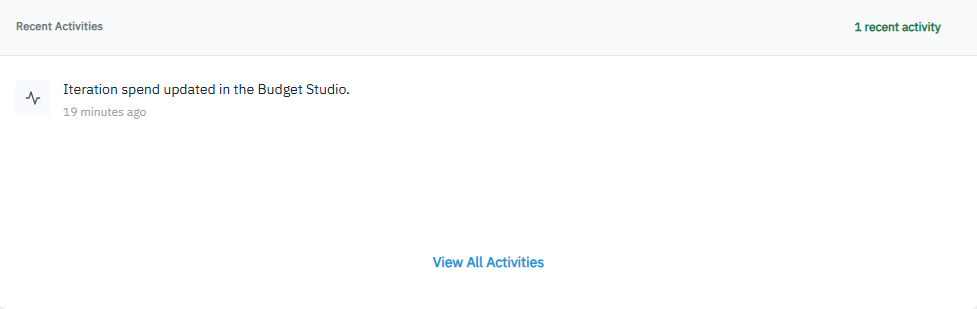
- Access Recent Activities to track the latest program actions, decisions, and execution updates.
PMO/Program Governance Journey
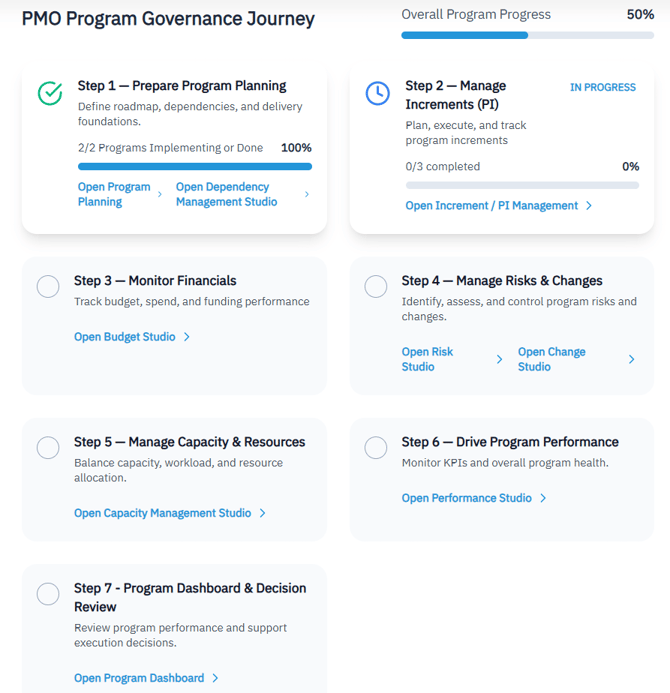
The Journey guides strategic leaders through a structured, end-to-end Program execution lifecycle.
It clearly shows:
-
Which steps are in progress or completed
-
Which studio should be used at each step
Journey Steps
-
Step 1 — Prepare Program Planning
Define roadmap, dependencies, and delivery foundations. -
Step 2 — Manage Increments (PI)
Plan, execute, and track program increments -
Step 3 — Monitor Financials
Track budget, spend, and funding performance -
Step 4 — Manage Risks & Changes
Identify, assess, and control program risks and changes. -
Step 5 — Manage Capacity & Resources
Balance capacity, workload, and resource allocation. -
Step 6 — Drive Program Performance
Monitor KPIs and overall program health. -
Step 7 - Program Dashboard & Decision Review
Review program performance and support execution decisions.
Quick Access
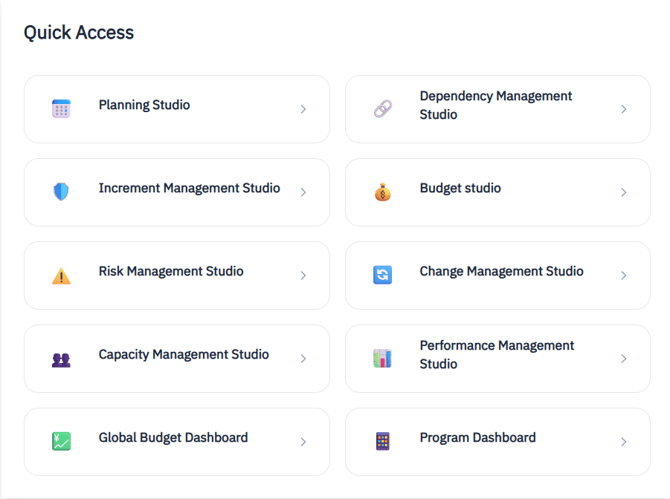
Frequently used studios include :
✅ Summary
The Program Execution Center empowers PMOs and Program Managers with a single, role-focused workspace to orchestrate delivery, manage constraints, and drive performance across multiple projects.